

If you are searching for smart marketing tools with no restrictions, you are probably not expecting a platform with absolutely no limits at all. What most buyers really want is software with fewer caps on users, exports, automations, integrations, and daily workflow access. That kind of flexibility matters to marketers, founders, freelancers, and lean teams that need to test campaigns, publish faster, report clearly, and grow without running into unnecessary plan barriers.

A better way to evaluate options is to separate bold marketing language from the details that affect real work. Some platforms look generous at first glance, then limit seats, reserve basic reporting for higher plans, or introduce fair-use rules once your usage increases. To narrow your shortlist, it helps to compare marketing automation options alongside content, analytics, email, and workflow tools instead of judging one category on its own.
What “No Restrictions” Really Means When Choosing Marketing Tools
In practice, “no restrictions” usually means marketing software with fewer restrictions, not software with no conditions. Nearly every vendor sets boundaries based on pricing tier, monthly activity, connected accounts, data retention, region, or support level. The real goal is to find tools where those limits are clear, reasonable, and aligned with how your team works. A platform can still feel flexible even when it is not technically unlimited.
For many teams, the biggest frustrations are hidden in plan notes rather than headlines. Common blockers include seat caps, branded reports on entry plans, missing API access, export restrictions, automation ceilings, and limited integrations. Even tools promoted as the best marketing tools with no usage limits may slow performance or apply fair-use language at higher volumes. If you manage multiple clients, large content libraries, or recurring campaigns across several channels, those details matter more than the top-line promise.
Before you commit, build a short scorecard around operational freedom. Check how many people can log in, whether freelancers or contractors need paid seats, and if comments, approvals, or role permissions are included. Then review exports. If you cannot pull reports, contact lists, campaign data, or content assets easily, reporting becomes slower and switching later becomes much harder.
- Users and roles: unlimited seats, guest access, and permission controls
- Exports and ownership: CSV, PDF, image, and raw data access
- Usage caps: sends, projects, automations, prompts, storage, or workspaces
- Integrations: native apps, webhooks, API access, and sync frequency
- Workflow access: templates, approvals, shared calendars, and version history
How to Compare Tools That Offer More Flexibility
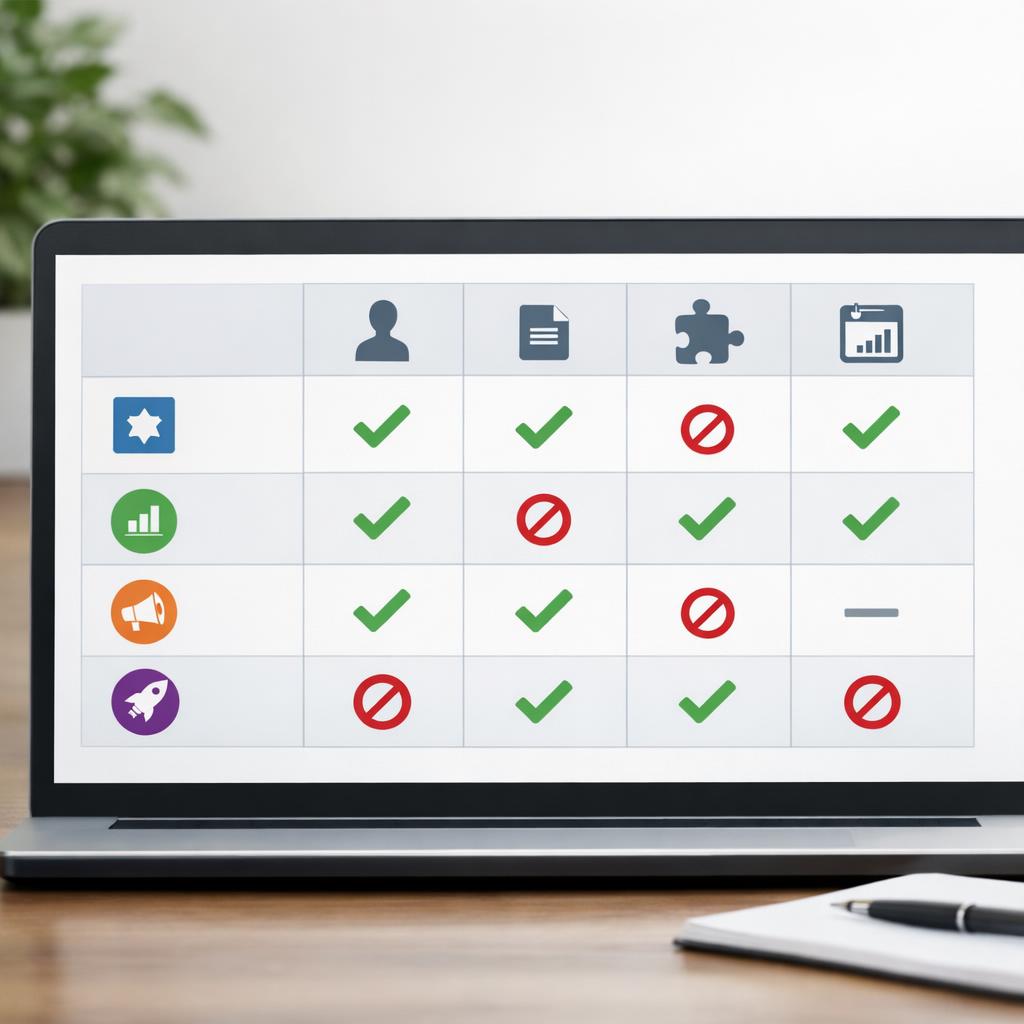
The fastest way to compare options is to focus on four areas: pricing clarity, data access, workflow depth, and collaboration. A low monthly price can become expensive if you need to upgrade just to add one teammate or unlock exports. Flexible marketing tools for small teams usually stand out when they let you start lean, keep essential features available, and grow usage without forcing a full process rebuild.
Create a side-by-side checklist before you book demos or start trials. Ask whether you can retain historical data, connect your existing stack, and automate repeat tasks without buying multiple add-ons. If content is central to your work, it also helps to build a scalable content workflow so you can judge whether a platform supports briefs, approvals, publishing schedules, and reporting in one place. The closer your evaluation matches day-to-day work, the easier it is to avoid overpaying for features that look impressive but rarely get used.
This framework is especially useful when comparing unlimited marketing tools for agencies or teams that support several brands. Software built for agencies should make it easy to separate clients, preserve data ownership, share dashboards, and avoid paying full price every time someone needs visibility. The same applies to in-house teams with regional marketers, outside collaborators, or growing approval chains.
- Pricing: clear tier differences, predictable overages, and annual versus monthly tradeoffs
- Data access: export flexibility, API availability, attribution visibility, and retention windows
- Workflows: reusable templates, automations, cross-channel planning, and approval paths
- Collaboration: comments, roles, shared dashboards, client views, and multi-brand support
- Scale readiness: room for more campaigns, contacts, assets, and connected accounts

Conclusion
Flexible platforms are most valuable when your workload changes often. Content teams usually need room for more drafts, contributors, calendars, and approvals without paying more for every small step. Agencies care about client workspaces, branded reports, reusable automations, and seat flexibility. Ecommerce brands tend to focus on contact growth, campaign volume, segmentation, and reliable connections to storefront and analytics platforms. Solo operators often want broad core features without the cost or complexity of enterprise software.
The best fit depends on the work you need done, not just the promise of “unlimited.” If you are comparing smart marketing tools with no restrictions, treat that phrase as shorthand for flexibility, data ownership, and fewer hidden blockers. Always confirm what changes across plans, whether usage is governed by fair-use language, and how well the tool supports your current process. A platform that feels open for one team can still be restrictive for another if reporting, collaboration, or integration needs are different.
In the end, the strongest choice is rarely the tool that makes the boldest claim. It is the one that gives your team practical room to work, share, export, automate, and grow without constant pricing friction. When you compare real limits instead of taglines, you are far more likely to choose software that stays useful as your needs evolve.

FAQ
What should I look for in a marketing tool with fewer limits?
Start with the limits that affect daily operations the most: user seats, exports, automation volume, integrations, API access, and data retention. Also check whether important features are locked behind higher plans. A good platform should make collaboration, reporting, and growth feel predictable instead of pushing you into repeated upgrades.
Are tools with unlimited plans always the best value?
No. “Unlimited” can still come with fair-use rules, weaker support, missing integrations, or limited workflow features. The best value usually comes from a platform that fits how you actually work, keeps your data accessible, and does not force expensive add-ons as campaigns expand.