
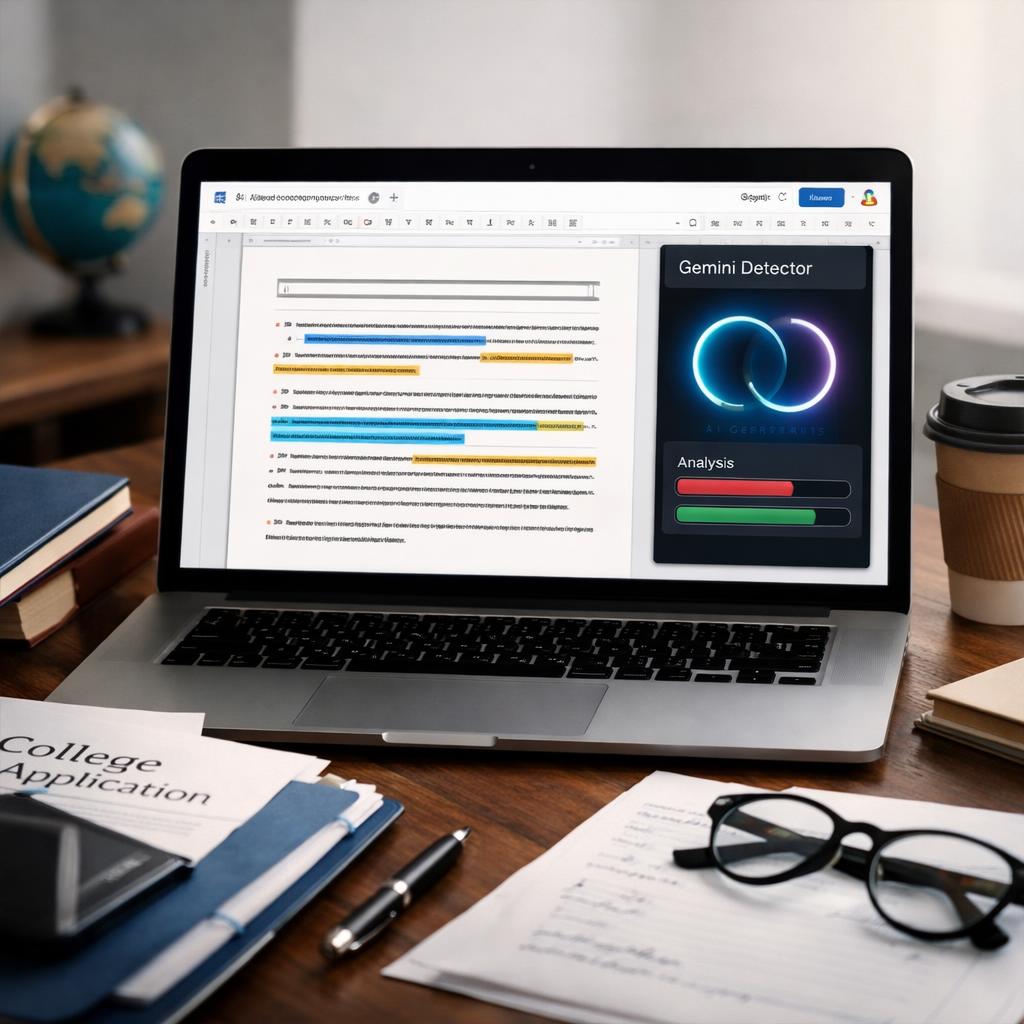
If you are searching for a gemini smart detector for google docs assignments, the practical answer is yes, but only as a screening step. A detector can help you spot writing that deserves a closer look, yet no single score can reliably prove that Gemini wrote a Google Docs assignment. For teachers, admissions readers, and academic support teams, the better question is whether the tool fits your review process, handles false alarms carefully, and gives you a useful starting point for follow-up. If you are comparing options for essay review, it also helps to look at broader best essay detector criteria before depending on one checker.
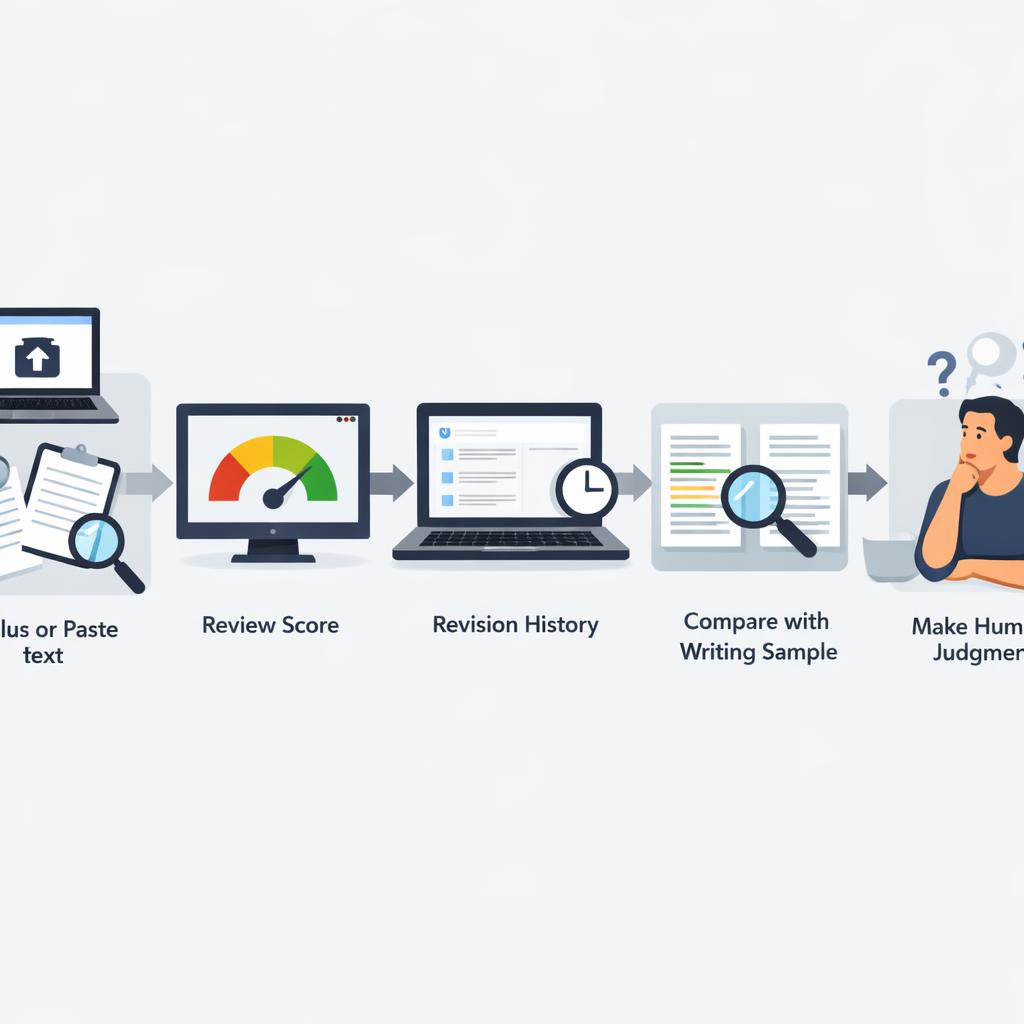
In real use, these tools work best as aids for reviewing possibly machine-written text, not as proof of authorship. A helpful checker for Google Docs submissions should be easy to paste into from Docs, fast enough for routine review, and cautious when the result is uncertain. If you want to know how to detect gemini writing in google docs assignments fairly, the strongest approach is to combine detector output with revision history, prior writing samples, and human judgment.
Direct answer: can a Gemini detector reliably check Google Docs assignments?
It can help, but only within limits. A detector may flag writing that looks unusually uniform, overly polished, or mechanically consistent in ways often associated with machine-generated text. That can make it useful when someone asks whether teachers can detect Gemini text in assignments or when a support team needs a first-pass screen across many submissions. Still, the phrase “Gemini detector” is often more of a marketing label than a precise claim. Most tools are not identifying a confirmed source inside Google Docs. They are examining language patterns and estimating whether the text resembles machine-written output.
Google Docs itself does not verify whether text came from Gemini or from a human writer. If a student pastes in a draft, the document may not show that clearly unless revision history, comments, or drafting patterns provide clues. So while a detector can be useful for triage, it should not be treated as final evidence. For coursework, admissions essays, or scholarship submissions, the safest answer is conditional: yes, a detector can support review, but no, it cannot reliably prove authorship on its own.
What these detectors can flag vs what they cannot prove
A detector can often flag text that appears formulaic, unusually even in tone, or highly predictable in structure. That makes it useful when the goal is to screen many Google Docs essays quickly, including school assignments or admissions-related drafts. But there is a big difference between flagging suspicious patterns and proving that a specific student used Gemini. A strong result does not confirm the exact source, and a weak result does not prove the writing is fully human.
That distinction matters in practice. The most reasonable use is as an initial signal. After that, reviewers should compare the result with Google Docs revision history, known writing samples, and the context of the assignment. What the available evidence does not support is any claim of guaranteed accuracy, universal approval, or fitness for discipline decisions without additional review. A careful process is much more defensible than a single score.
How to evaluate a detector for classwork and college essays
If you need the best detector for google docs school essays, start with workflow fit instead of hype. Can you paste text from Google Docs without cleanup? Can the reviewer save notes, export findings, or document why a piece was flagged for follow-up? Does the tool use cautious wording rather than absolute language? These details matter more than broad claims about catching a specific model. For college-related writing, including the kinds of use cases covered in the best essay detector for college application essays framework, the most useful tools are usually the ones that support careful review instead of dramatic conclusions.
False positives should be part of the comparison from the start. Strong student writing, heavily edited drafts, tutoring support, or short excerpts can all confuse detectors. That is why any checker worth considering should be compared not just on speed, but also on how carefully it presents uncertain results and whether it supports a documented human review process. If you are reviewing many Google Docs assignments, a good tool may be worth comparing because it can reduce review friction and help staff prioritize which drafts need closer attention. But that value only holds if the tool also supports consistent handling, note-taking, and cautious interpretation. Before acting on any result, review practical false positive review steps as part of your process.
Best-fit criteria for Google Docs workflow, false-positive risk, and review speed
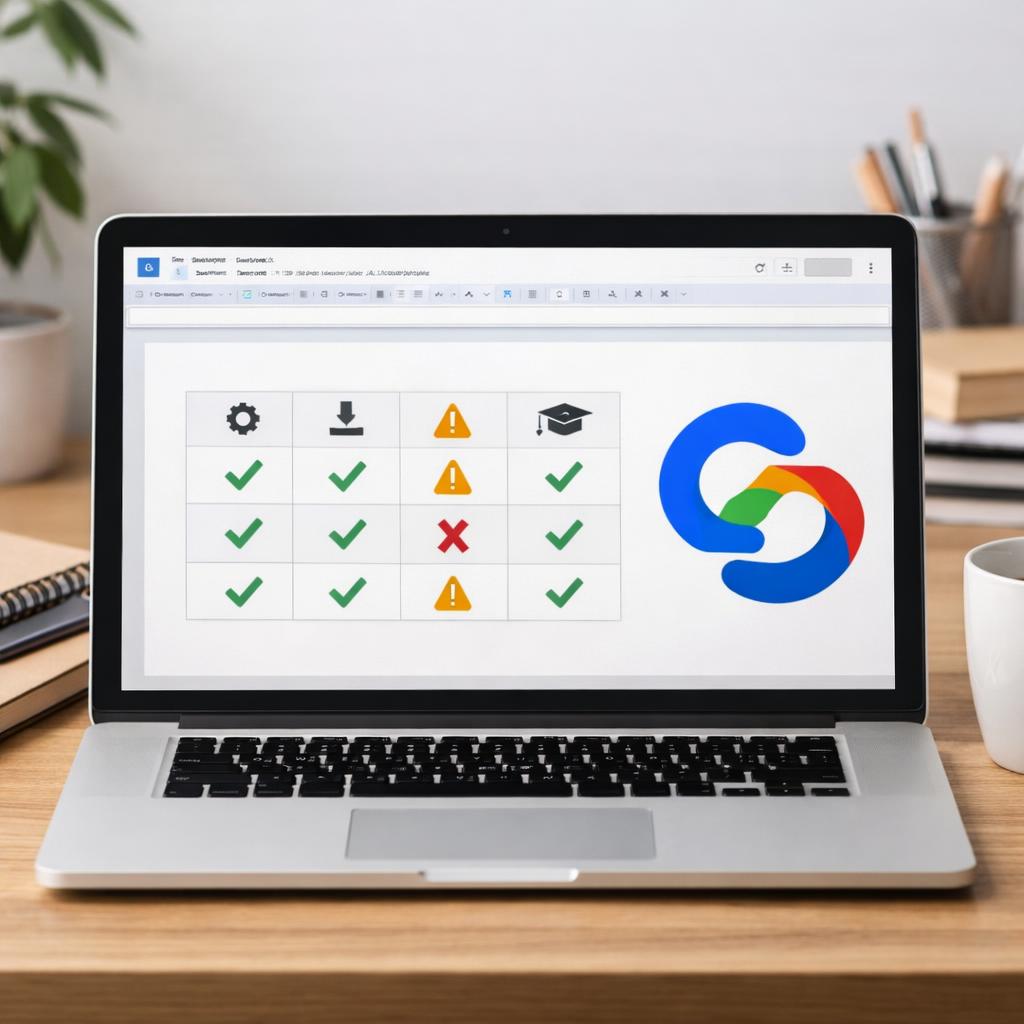
For most schools and review teams, a few comparison points matter most:
- Docs workflow fit: Copy-paste should be clean, formatting should stay readable, and the tool should handle typical assignment length without extra friction.
- Caution level: The result should reflect uncertainty where appropriate instead of claiming to prove authorship.
- Review speed: Fast checks are helpful, especially for high-volume submissions, but speed should not come with overconfident labeling.
- Essay suitability: College essays and personal statements often involve feedback and revision, so detectors should be used especially carefully there.
- Documentation: Reviewers should be able to record what was checked and what additional evidence was considered.
If you are comparing tools for this scenario, those are stronger decision factors than looking for a so-called Gemini-only checker. In most academic settings, practical workflow fit and a lower risk of overreach matter more than source-specific marketing claims.
When to use a detector, when not to, and what to do next
Use a detector when you need a first-pass review of a Google Docs assignment, when the style is sharply inconsistent with a student’s known work, or when staff need a fast way to sort submissions for closer review. Do not use one score by itself for grading penalties, admissions decisions, or discipline. In higher-stakes situations, a detector may help organize the review, but human assessment still has to lead the process. This is especially important for polished personal statements, coached essays, and revised drafts, which may legitimately look more uniform than rough classroom writing.
The strongest next step is a layered review. Check the detector result, then look at Google Docs revision history, compare the writing with earlier samples, and review any outlines, notes, or draft comments tied to the assignment. That process is fairer for students and more defensible for instructors. For anyone deciding whether a gemini smart detector for google docs assignments is worth using, the answer is yes, but only when it is part of a broader review method rather than a stand-alone verdict.
Safer review steps before making an academic decision
Before acting on a score, ask a few basic questions:
- Was the full assignment reviewed rather than a short excerpt?
- Does the document show normal drafting, edits, or comments in revision history?
- Are there earlier outlines, notes, or rough drafts that support authorship?
- Does the style meaningfully differ from prior work, or is the assignment simply more polished?
- Has a reviewer documented why the piece needs further attention?
These checks reduce overreliance on one technical signal and help separate unusual writing from suspicious writing. They also make the process easier to explain if a student asks how the review was handled. If you are comparing detector options for Google Docs assignments, the next step is specific: review how each tool fits Docs copy-paste workflow, how it presents uncertain results, how it helps you document false-positive review, and how well its output can be checked against revision history and prior writing samples.

Conclusion
A gemini smart detector for google docs assignments can be useful, but only as a screening aid. It may help identify writing that deserves a closer look, yet it cannot prove that Gemini wrote the assignment by itself. For classwork, scholarship essays, and admissions materials, the most reliable process combines detector output with Google Docs revision history, known writing samples, and human review. That keeps decisions fairer, more practical, and easier to defend.
If you are deciding which option to use, compare tools based on Docs workflow fit, false-positive handling, reporting or note-taking features, and how easily results can be verified against document history. Then review the best essay detector criteria to choose a process that matches your assignment volume and review standards.
FAQ
Can a detector tell whether a Google Docs assignment was written with Gemini?
Not with certainty. A detector may flag text that resembles machine-written writing, but it cannot reliably confirm that Gemini was the exact source. Google Docs does not provide a built-in authorship label, so revision history and writing samples still matter.
Are detector results accurate enough for grading or discipline decisions?
No single result should be treated as enough for grading penalties or discipline. Detector output is more useful as a prompt for further review than as stand-alone evidence.
What is the best way to review suspicious Google Docs writing fairly?
Start with the detector result, then check revision history, compare the work with earlier writing, and review any notes or outlines. That layered method is more reliable than relying on one tool alone.
When is an essay detector a logical option for college-related writing review?
It makes sense when staff need efficient screening for Google Docs essays, scholarship drafts, or admissions-related writing and want a practical first-pass check. It is not a good fit when the goal is instant proof of authorship. Before using one, verify workflow fit, false-positive caution, documentation features, and how the results will be reviewed by a person.


