
Teachers sometimes review Google Docs version history when a paper feels unusually polished, appears all at once, or does not match a student’s usual writing style. That is why many people search for how teachers detect chatgpt in google docs history. The short answer is that version history does not work like a lie detector. It shows when parts of a document were added, revised, or renamed, which can help teachers notice patterns that look natural or unusual. If you need a quick overview of how Google Docs version history works, think of it as a timeline of saved stages rather than a perfect record of where every sentence came from.
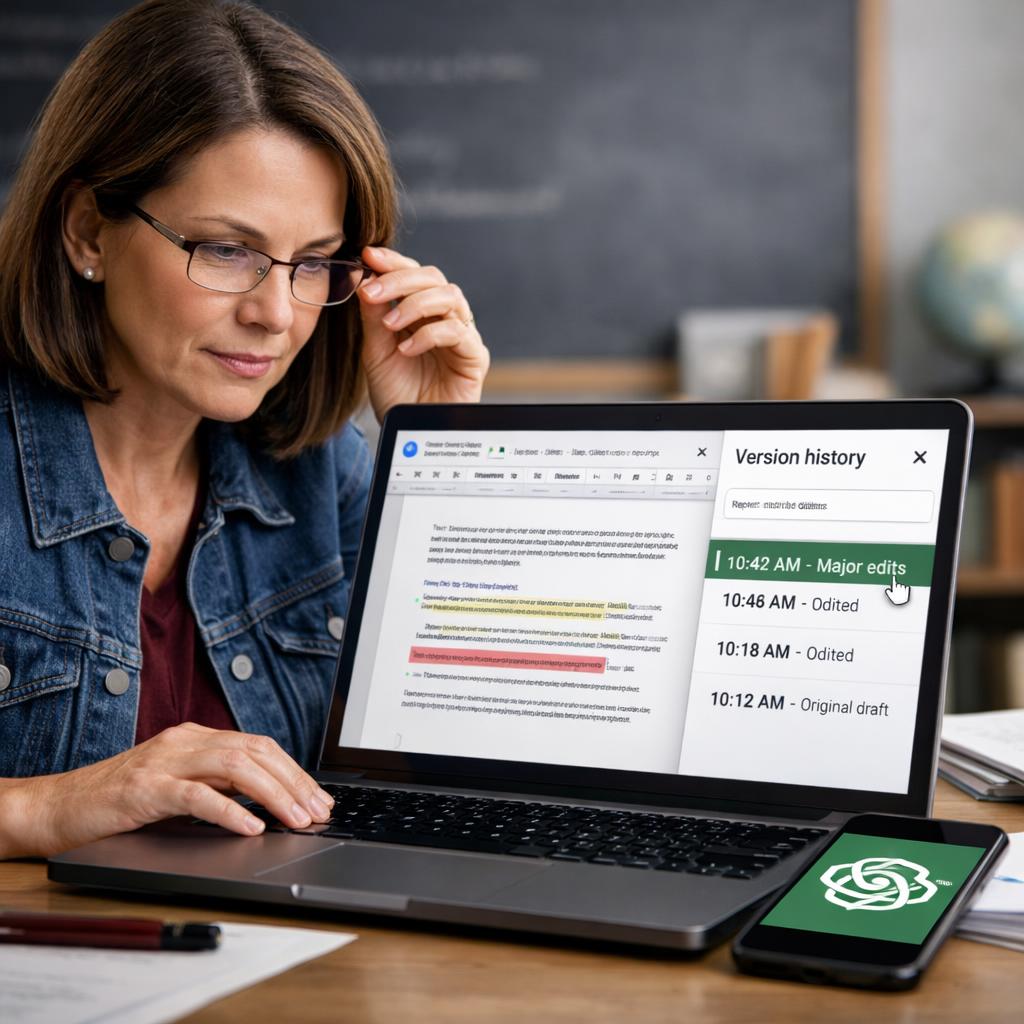
Used carefully, version history can support a fair conversation about writing process. Used carelessly, it can lead to weak assumptions. A teacher may see a strong clue, but still needs classroom context, prior writing samples, and common sense before reaching any conclusion.
What teachers look for in Google Docs version history
When teachers open version history, they usually compare the document timeline with what normal drafting looks like. A real draft often grows in steps: a title, a rough opening, scattered notes, body paragraphs, and then later revisions. The writing may be messy at first and become clearer over time. A more suspicious timeline may show a nearly complete essay appearing in one burst, followed by only tiny edits.
Fast full-document inserts, limited revisions, and unusual timing
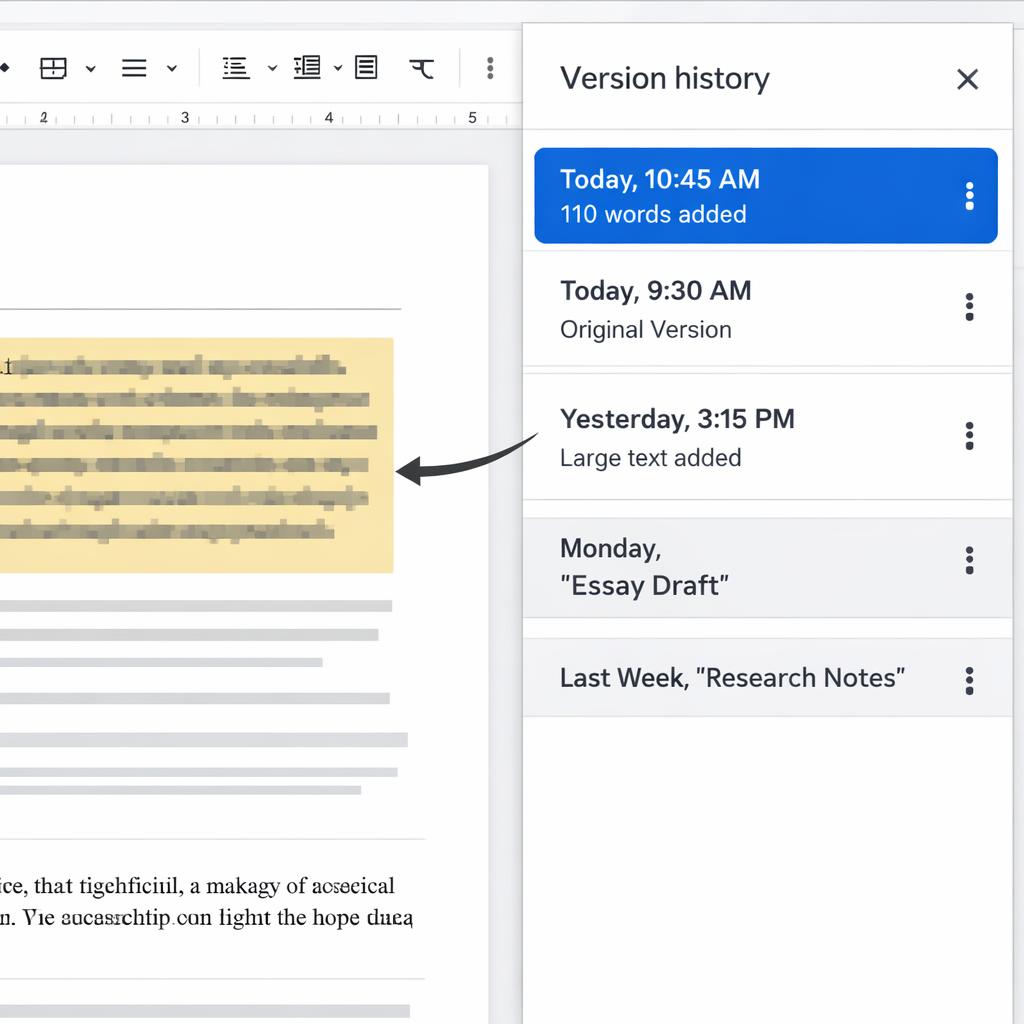
This is also why people ask, can teachers see copy and paste in Google Docs history. Google Docs does not always label an action as “pasted,” but a large block of clean text added within seconds can strongly suggest it. Teachers may also notice odd timing. If an assignment was open for a week but almost the entire paper appears at 11:48 p.m. the night before, that may raise questions. Other signs include very few spelling fixes, almost no sentence-level revision, and version names that do not match the quality of the final paper.
In practical terms, what does Google Docs version history show teachers is a pattern of development. It can make a document look like it was drafted gradually, heavily revised, or assembled all at once. None of those patterns proves intent on its own, but they do help teachers decide whether they need to ask follow-up questions.
What Google Docs history can and cannot prove
Version history can show when major chunks of writing appeared, whether changes happened over time, and how much the paper evolved between saved versions. That matters because many teachers assess process, not just the final product. A timeline with rough phrasing, later rewording, and visible corrections often looks more authentic than a single polished insert.
Why pasted text alone is not final proof
At the same time, history has real limits. Students may draft in a notes app, type on a phone during the bus ride home, or paste in writing from an earlier personal draft. They may also move research notes into the document before cleaning them up. So when people ask, can Google Docs history prove ChatGPT was used, the honest answer is usually no. It can suggest that text was inserted quickly, but it cannot reliably prove how that text was produced.
The same issue applies to the question how do teachers tell if writing was pasted into Google Docs. Usually, they infer it from timing, formatting shifts, and the sudden appearance of long polished sections. But inference is not certainty. A pasted paragraph might be copied from a student’s own outline, a tutor-approved draft, or notes prepared earlier. That is why many teachers also look at tone changes, citation problems, factual errors, and what teachers consider suspicious writing patterns before making a judgment.
Good teaching practice is to treat version history as one clue among several. A strong clue may justify a conversation, but not an automatic accusation. That distinction matters for students, parents, and schools trying to be fair.

How students can show authentic writing habits
Students who want to avoid confusion should make their writing process easier to see. The simplest way is to draft in stages. Start with an outline, add a rough first paragraph, return later to expand sections, and revise after feedback. A document that develops over time usually looks more natural than one clean final version dropped in at the end.
Drafting in stages, keeping notes, and saving revision steps
Helpful habits include naming versions before major edits, keeping research notes, and saving rough drafts instead of deleting everything. Writing at least some key sections directly inside Google Docs can also help the timeline reflect real work. If a teacher asks about an unusual history, students should be ready to explain their process clearly and calmly.
Parents and teachers can support this by valuing revision, checkpoints, and planning notes rather than grading only the final draft. These habits are not about trying to “beat” detection. They simply make authentic writing easier to recognize. For anyone wondering about how teachers detect chatgpt in google docs history, that is the bigger point: teachers are often reading the timeline for signs of real drafting, not searching for a magic proof button.
Conclusion
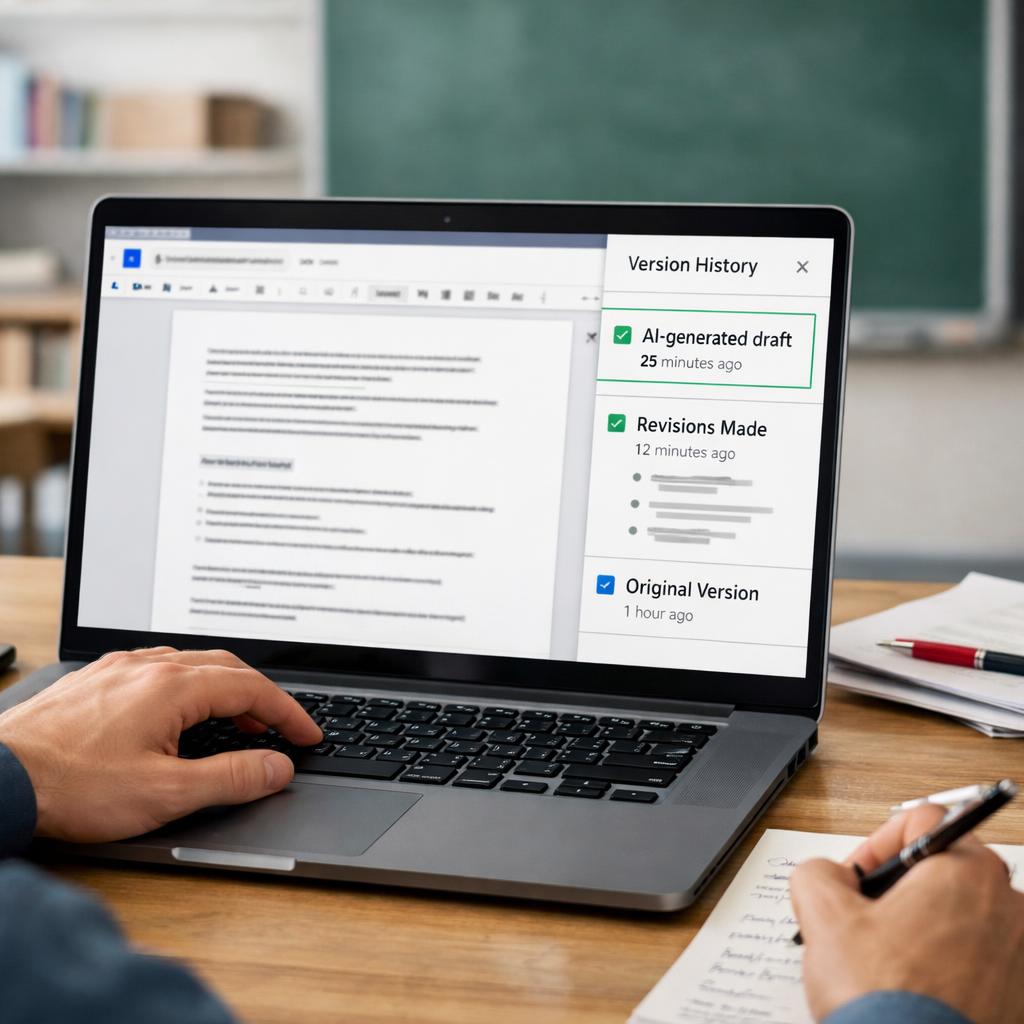
Understanding how teachers detect chatgpt in google docs history really comes down to pattern recognition, not certainty. Teachers may notice a full essay appearing in seconds, very few revisions, or timing that does not fit the assignment window. Those signals can be meaningful, especially when they are combined with tone shifts or classroom writing samples.
Still, Google Docs history cannot by itself definitively prove misconduct. Students may write offline, paste from their own notes, or transfer drafts from another device. The fairest approach is to use version history as a starting point for questions, not as a final verdict. For students, the best protection is a visible writing process: draft in stages, save notes, and keep revision steps when possible.
FAQ
Can teachers see if text was pasted into Google Docs?
Not in a perfectly direct way every time. Teachers usually infer pasting when a large amount of text appears at once in version history, especially if there are few edits before or after. That pattern can be suspicious, but it is not final proof because students may paste their own notes or earlier drafts.
Does Google Docs version history show every keystroke?
No. Version history shows saved stages and document changes over time, not a complete replay of every key pressed. Teachers can often see when sections were added or revised, but they do not get a flawless second-by-second transcript of the writing process.
Can a teacher prove misconduct from Google Docs history alone?
Usually not. Version history can point to unusual drafting behavior, but it does not by itself prove misconduct. Most teachers use it alongside writing quality, source use, assignment expectations, and prior classwork before deciding what the timeline actually means.
What should students do if their document history looks suspicious by accident?
They should explain their process and, if possible, show outlines, notes, earlier drafts, or related files. For example, a student may have written offline first and then pasted the work into Google Docs later. Honest context often matters a lot when a timeline looks unusual.


