
Yes—when you ask, “can you make it shorter,” the best approach is to remove repetition and unnecessary wording while keeping the facts, qualifications, and actions the reader needs. If those essentials cannot fit your requested length, adjust the limit or narrow the scope. Do not quietly drop important information to meet a word count.
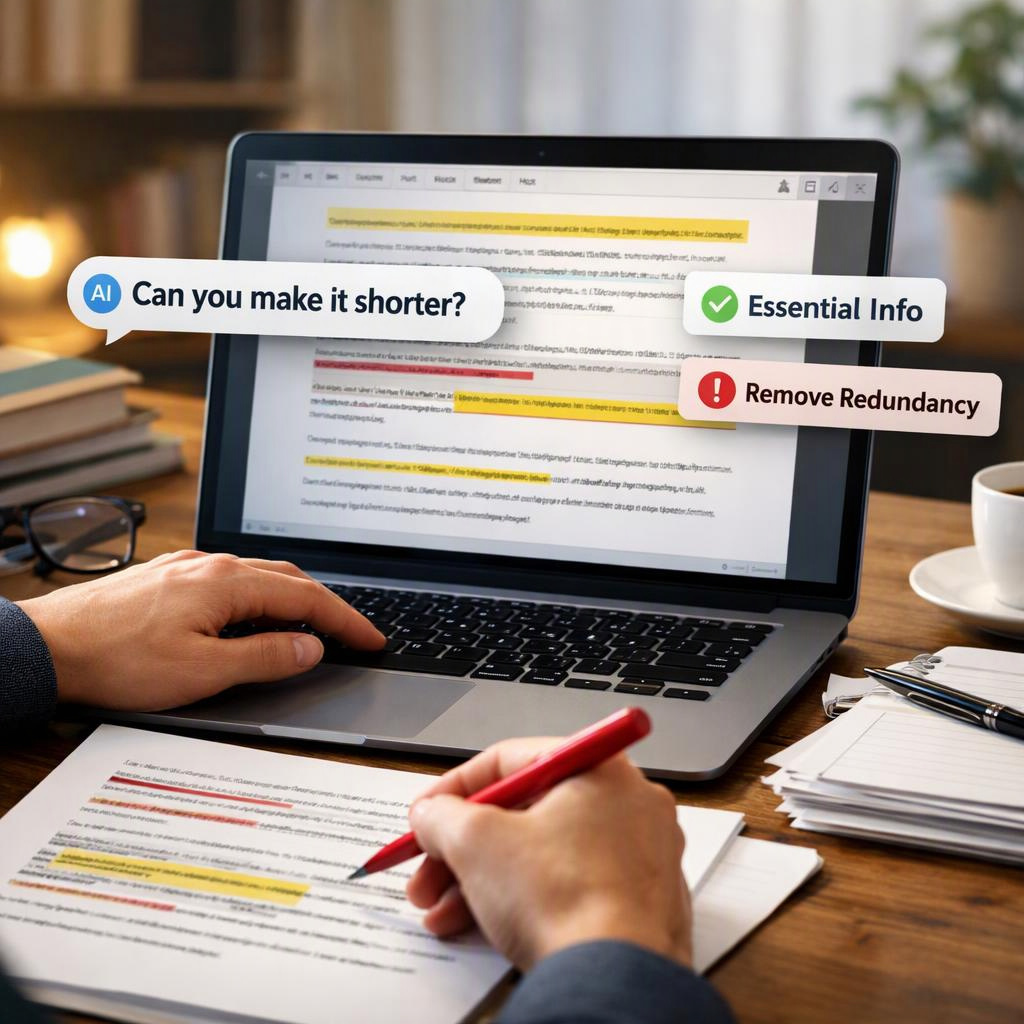
This works for assisted drafts of emails, reports, marketing copy, and web content. A polished paragraph can still repeat a claim, bury a deadline, or spend three sentences introducing a simple request. Removing those distractions makes the message easier to follow.
Aim for the shortest version that still serves the reader—not the shortest version possible. Decide what someone must understand or do, cut material that does not support that purpose, and compare the result with the original. A useful edit saves reading time without creating confusion.
Find Repetition and Filler Before Cutting Useful Detail
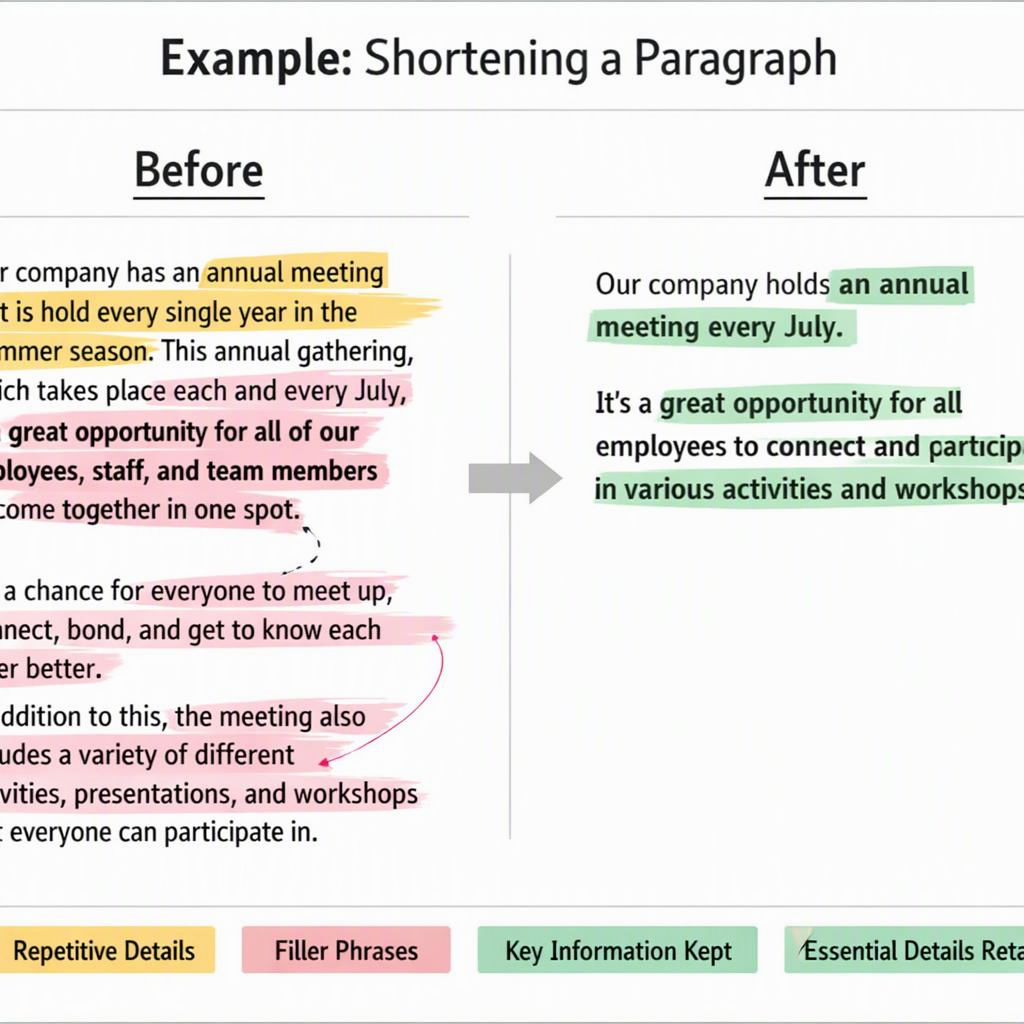
Start by identifying each sentence’s job: claim, evidence, context, qualification, or action. When two sentences make the same point without adding information, merge them or keep the clearer one. For optional editing help, check the reducer page’s documented functionality. It is worth comparing with manual editing if you want help reducing an editable draft, but verify its capabilities before relying on it.
- Duplicate claims: State a benefit once unless a later mention adds evidence or a different implication.
- Repeated context: Explain the background where readers first need it, rather than restarting the explanation in every paragraph.
- Slow openings: Delete “It is important to note that” when the sentence is equally clear without it.
- Unnecessary modifiers: Remove “very” and “really” when they add emphasis but no useful detail.
- Wordy phrases: Use “to” instead of “in order to” when both express the same meaning.
Example: Before: “Please remember that you need to submit the signed form by June 12. The deadline for submitting the signed form is June 12.” After: “Submit the signed form by June 12.” The revision keeps the document, signature requirement, and date. By contrast, an explanation of which form to use might be essential, even if it takes several words.
Protect Key Facts and Give Clear Shortening Instructions
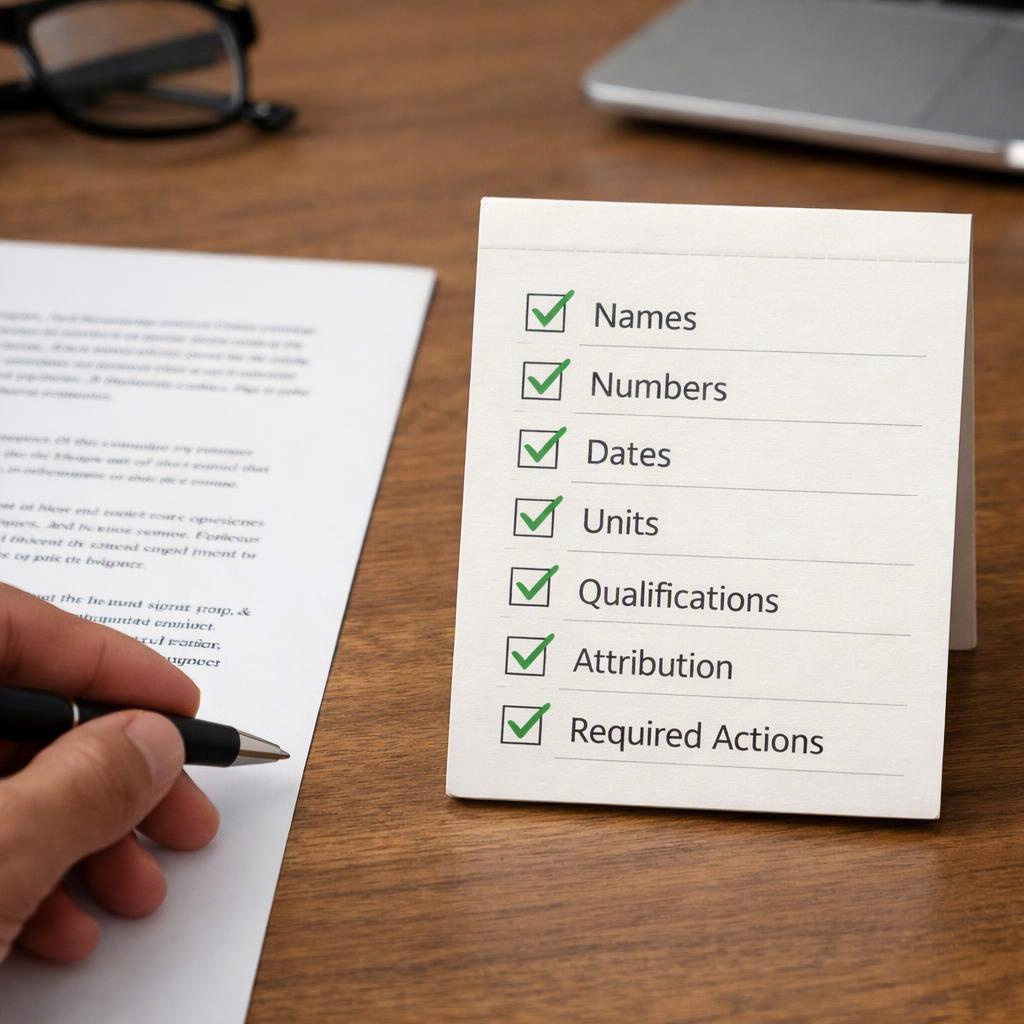
Before editing, list the details that must survive. A meeting reminder needs logistics; a project update may also need owners, risks, and dependencies. Choose the word limit after identifying these essentials. Otherwise, a tidy revision can become an incomplete instruction that leaves readers guessing.
- Identity and attribution: Keep relevant names, roles, organizations, and the source of each attributed claim.
- Measurements and timing: Preserve quantities, units, dates, deadlines, and time zones where they affect interpretation.
- Boundaries: Retain conditions, exceptions, warnings, and limits on where a statement applies.
- Actions: Keep who must do what, in which order, and by when.
- Certainty: Preserve the difference between confirmed results, estimates, proposals, and possibilities.
Try this instruction: “Shorten this for [audience] to about [length]. Preserve [required facts], qualifications, and the requested action. Flag anything that cannot fit rather than silently deleting it.” Include formatting requirements and identify examples or exact wording that must stay. “About 150 words” allows flexibility; a strict character limit does not. If the essential details already fill the available space, narrow the message’s scope or allow more room. For example, a brief reminder can link to full instructions, but only when readers do not need those instructions in the reminder itself. Make that choice explicitly rather than treating every omitted detail as harmless.
Review the Shorter Draft Before You Use It
Compare the original and shortened versions side by side. Read for meaning first, then verify individual facts. Smooth wording can hide a consequential change: “may” becomes “will,” “not” disappears, or one department’s result becomes a company-wide claim. Find each protected fact in the revision instead of assuming it survived because the paragraph sounds right.
- Facts: Check names, numbers, dates, units, and attribution against the original and relevant sources.
- Meaning: Check negation, scope, qualifications, exceptions, and the degree of certainty.
- Execution: Confirm the task, responsible person, sequence, deadline, and next step remain clear.
- Readability: Make sure shortened wording still works for someone unfamiliar with the original.
Match the review to the consequences of an error. Manual line editing offers close control over individual changes. A summary alongside the complete original is another option when readers need an overview. It is not a substitute for a complete shortened document when every requirement must appear in that document.
- Routine prose: Emails and general updates usually need careful review by the author before sending.
- Fact-dense documents: Reports and specifications need item-by-item checks against the original and supporting material.
- High-stakes material: Legal, medical, financial, and safety instructions warrant qualified review appropriate to the subject before use.

Conclusion
The answer to “can you make it shorter” is yes, provided the edit removes excess wording rather than essential meaning. Readers should still understand the message, recognize its limits, and know what to do next. A lower word count is useful only if those needs are met.
Mark your protected facts, set a realistic target, and cut repeated claims before trimming necessary explanations. Then check the revision against the original. If a condition or deadline no longer fits, change the target or format instead of hiding the omission.
If you want editing assistance, the reducer page is worth reviewing as a candidate for shortening an editable draft. Its suitability depends on documented functions, not assumptions about what it preserves. Compare those functions with your format and length requirements, and confirm that you can inspect the output. If the fit is unclear, edit manually. Either way, verify every protected fact and required action before publishing.
FAQ
How much can I shorten a draft without losing important information?
There is no universally safe percentage. Repetitive prose may allow substantial cuts, while a concise specification may allow almost none. Let the required facts set the minimum workable length. Stop when another cut would remove necessary context, change a qualification, or make an instruction harder to follow.
What instructions should I give when asking someone to make it shorter?
Specify the audience, purpose, target length, and facts that must remain. Name the required action and any wording that must stay exact. Ask the editor to flag conflicts with the limit and identify meaningful omissions so you can decide whether a shorter version is still suitable.
Can you make it shorter without changing the meaning?
Often, yes. Remove repeated ideas, choose direct verbs, and replace wordy phrases. Then compare both versions. Small words such as “only,” “unless,” and “not” can define a claim’s boundaries. Keep them when removing them would change who qualifies, what is promised, or when an instruction applies.
When is the reducer page a logical option to explore?
Explore it when you want optional help shortening an editable draft, not a replacement for qualified review. For your draft, review the reducer page and compare its documented functions with your format, length target, and ability to inspect changes. Then verify facts, qualifications, and actions before using the result.