
To make writing sound more professional, clarify the message, use specific language, and keep the tone respectful. If you are asking, “How can I make this sound more professional?”, start with what the reader needs to understand or do—not with longer words. A good rewrite preserves the facts, intent, and uncertainty.
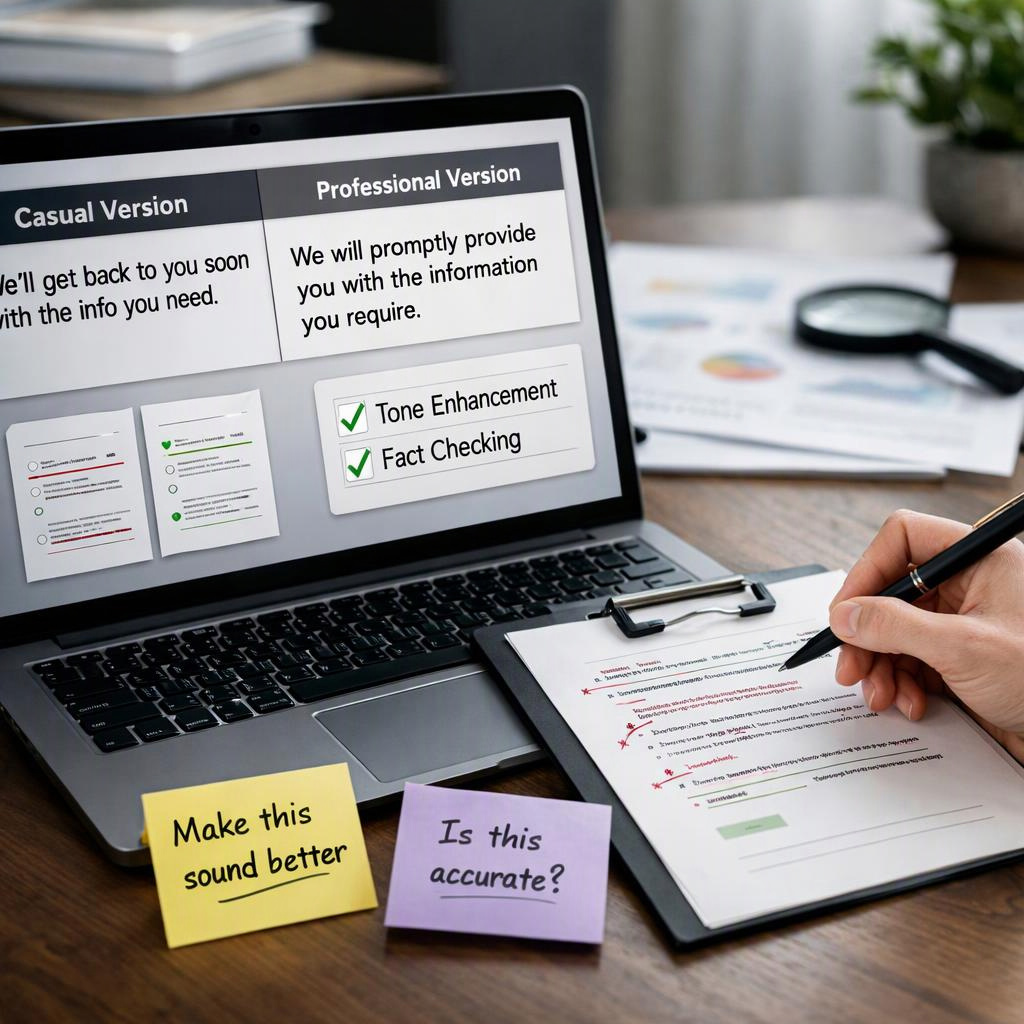
For example, “Send me the file when you can” could become “Please send me the file when you have time.” Adding “by noon” would create a deadline. That changes the request rather than simply improving its tone.
Clarify the Action Instead of Adding Jargon
Before editing a sentence, identify its purpose. Are you requesting help, reporting progress, or explaining a decision? Professional wording makes that purpose easier to understand. Jargon and indirect phrasing often do the opposite.
- Identify the audience. Consider what the reader already knows and how much context they need to respond.
- Protect essential facts. Note names, dates, amounts, conditions, and commitments before changing the wording.
- Replace vague references. Change “the thing” to the item’s name only when the context identifies it. Otherwise, ask for clarification.
- Cut unnecessary filler. Remove repeated introductions and phrases such as “I wanted to take a moment to say.” Keep qualifications that express uncertainty.
- Make the request clear. “Could you review the attached draft?” is courteous and specific. Preserve any original deadline or limitation.
For routine edits, a paraphrasing tool is worth comparing with manual editing when you want alternative wording for a non-sensitive message. Compare its documented functions and privacy terms before use. Then check whether each suggested revision preserves your meaning; polished wording does not establish factual accuracy.
Choose a Professional Tone That Fits the Situation
Professional does not always mean formal. A familiar colleague may need a brief, friendly request, while a new client may need more context. Adjust the tone without changing the facts, urgency, or permission being requested.
The right editing approach also depends on the stakes:
- Manual editing: Usually the simplest choice for a short message when you understand the context. Make one change at a time and compare it with the original.
- Paraphrasing option: Useful for exploring alternative wording in routine, non-sensitive messages, provided workplace rules and the service’s data-handling terms allow it.
- Qualified review: Appropriate for legal, medical, contractual, or other high-stakes language. A smoother sentence can still misstate a specialized term or obligation.
Compare Neutral, Warm, and Formal Versions
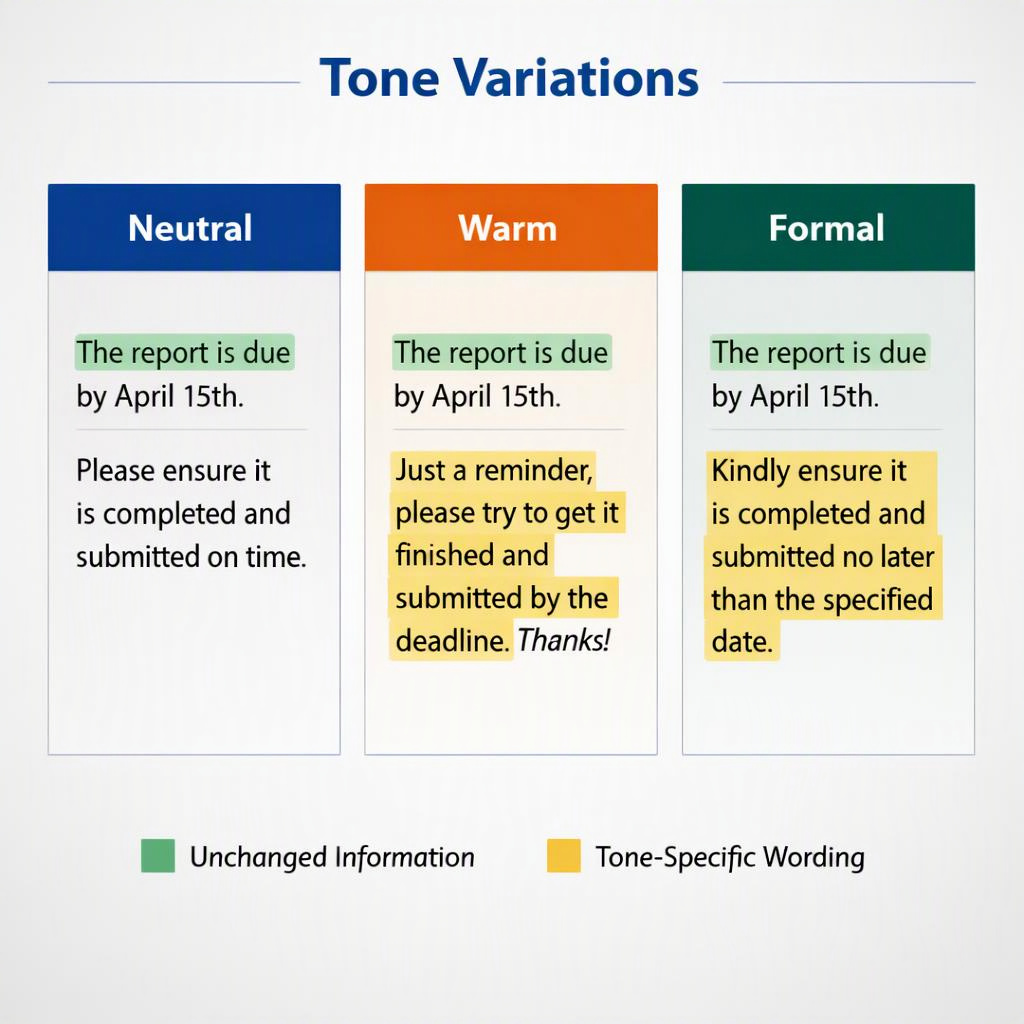
Example original: “I may need one more day to finish the report because the sales figures have not arrived. Can I send it Friday?”
- Neutral: “I may need one more day to finish the report because the sales figures have not arrived. Could I send it Friday?”
- Warm: “A quick update: I may need one more day to finish the report because the sales figures have not arrived. Would it be okay if I send it Friday?”
- Formal: “I may require one more day to complete the report because the sales figures have not arrived. May I send it Friday?”
Each version preserves the uncertainty, the extra day, the missing sales figures, and the request to send the report Friday. The emphasized wording changes the tone—not the status of the request. None guarantees completion or assumes approval.
Avoid adding “Thank you for your flexibility” before the recipient responds. In this context, it could suggest that the extension has already been accepted.
Apply the Approach to Requests, Updates, and Customer Replies
These illustrative examples show how small edits can improve an email without adding commitments. Sometimes a sentence needs only a more precise verb; sometimes the original is already suitable.
- Workplace request — Before: “Can you look at the attached draft by Thursday? I need your comments before I revise it.” After: “Could you review the attached draft by Thursday? I need your comments before revising it.” Check: The review deadline and dependency stay unchanged.
- Project update — Before: “We’re still checking the export. It might be ready Monday.” After: “We are still checking the export. It may be ready Monday.” Check: The tone is slightly more formal, but readiness remains uncertain. The original contraction is also acceptable in many workplace messages.
- Customer reply — Before: “I can’t confirm the refund yet. I’ll check with billing and update you tomorrow.” After: “I cannot confirm the refund yet. I will check with billing and provide an update tomorrow.” Check: The promise is an update, not a refund approval.
Check Facts and Commitments Before Sending
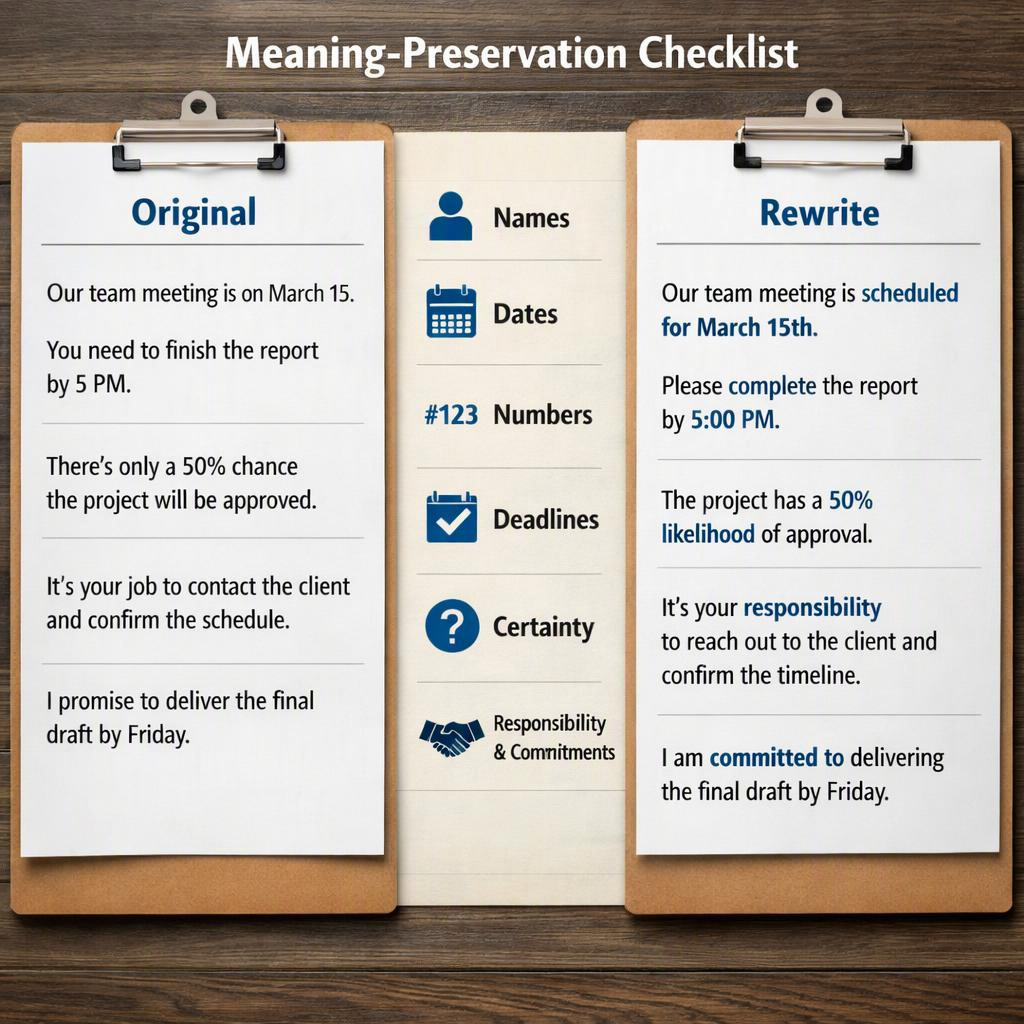
Review meaning and accuracy separately. Comparing the rewrite with the original shows whether the message changed. Checking the original against relevant records shows whether its facts are correct. A rewrite can faithfully preserve an error.
- Names and responsibility: Confirm people, organizations, roles, and task owners. “I will review” should not become “we will approve.”
- Numbers and timing: Check quantities, units, currencies, dates, and relative references such as “tomorrow.”
- Deadlines and urgency: Replacing “when possible” with “today” adds a deadline and changes the request.
- Certainty and negation: Changing “may not be available” to “is unavailable” removes uncertainty.
- Commitments and permission: “Can I send it Friday?” asks permission. “I will send it Friday” makes a commitment.
- Unsupported additions: Flag new explanations, approvals, apologies, guarantees, or conditions. Clarify missing information instead of inventing it.
Verify disputed details against the relevant message, schedule, agreement, or record. Before submitting confidential or personal information to an external service, check workplace rules and official privacy and retention terms. If permission or data handling is unclear, keep the information out of the service.
Conclusion
The best answer to “make this sound more professional” is usually clearer, more appropriate wording—not extra formality. You can sound warmer, more concise, or more direct while preserving facts, uncertainty, and responsibility.
Choose one non-sensitive sentence from an email and revise it. Before sending, compare the original and revision for requested action, deadlines, certainty, and commitments. This quick check helps prevent a tone adjustment from becoming an unintended promise.
FAQ
How can I improve a sentence without changing its meaning?
Identify its purpose, essential facts, and requested action. Replace vague wording and remove filler, then compare both versions. Preserve words such as “may,” “not,” and “if” when they carry uncertainty, negation, or conditions.
How do I sound professional without sounding stiff?
Use everyday vocabulary, specific requests, and a courteous opening when helpful. Contractions can suit familiar workplace exchanges. Avoid ceremonial phrasing and unnecessary jargon; clarity and consideration matter more than sentence length.
When is a paraphrasing tool a useful option?
It can help you explore wording for routine, non-sensitive messages. Compare it with manual editing based on documented functions, workplace permission, and privacy and retention terms. Neither option replaces qualified review for high-stakes language.
Should I add a deadline to make a request clearer?
Only if you are authorized to set one and intend to change the request. Otherwise, preserve the original timing or ask for clarification. Before sending, compare both versions to verify that timing and urgency still match your intent.